

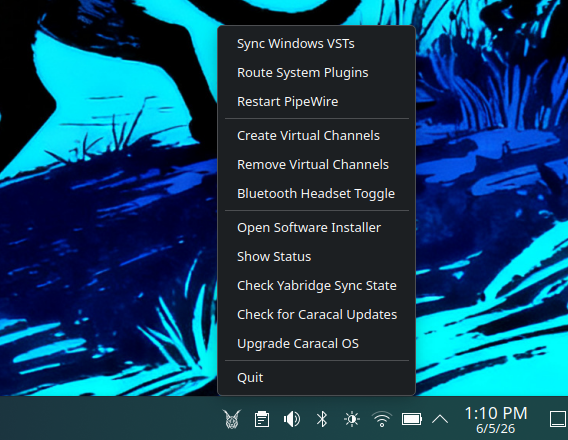
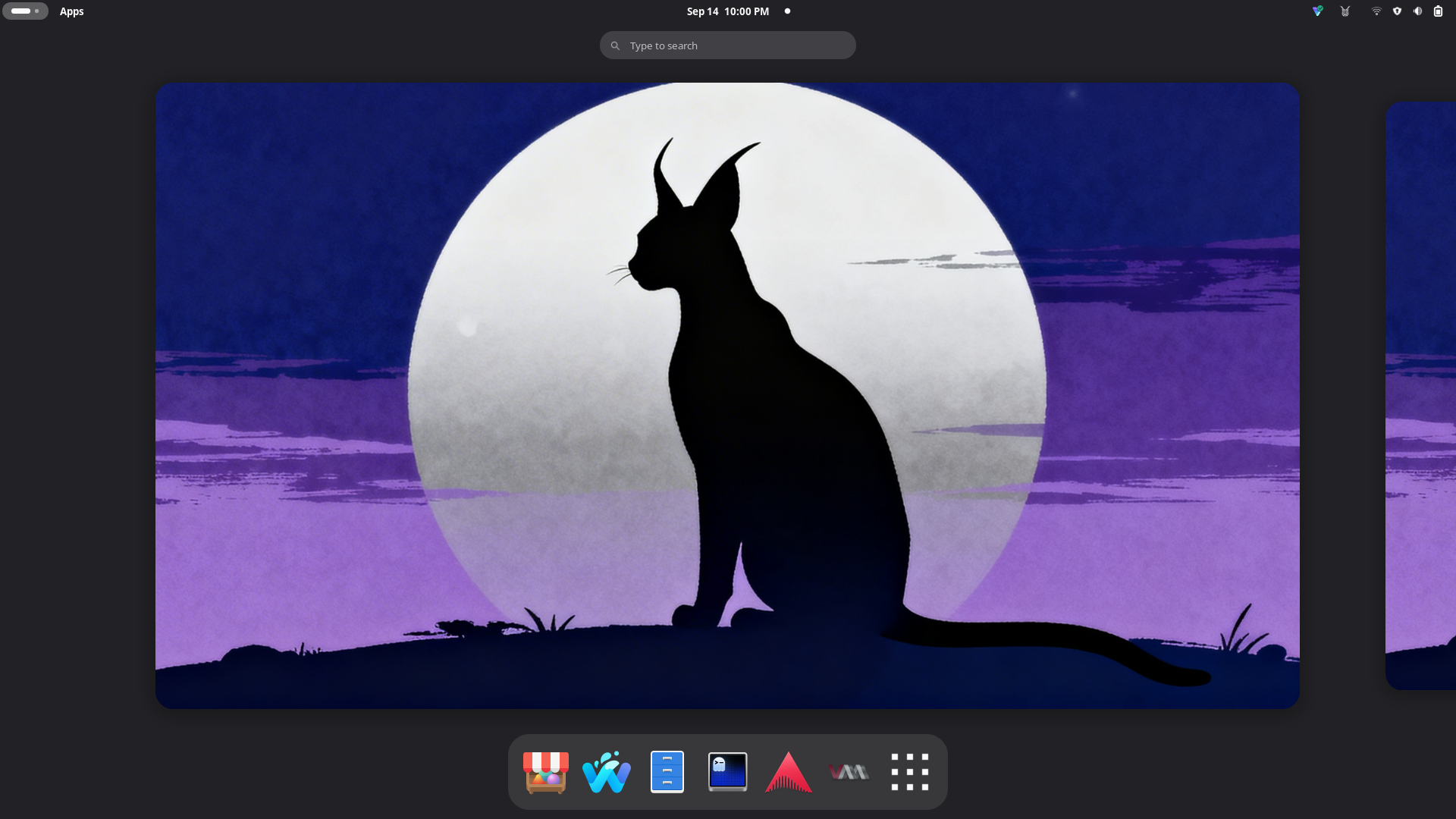
Early access Caracal is currently in early access. The AMD / Intel installer image is available now, and a dedicated NVIDIA image is still on the way.

For producers, beatmakers, composers, and mix engineers

A music production system that works from the moment you boot it.

A music production system for Linux — your audio interface, DAWs, plugins, and Windows VSTs all working from the moment you boot up, on a system that stays stable over time.

switch sudo bootc switch ghcr.io/caracal-dev/caracal:latest
  • Your Windows VST plugins still work — bring your whole library
  • Audio is ready the moment you boot up, no setup required
  • Updates can't break your system — roll back if anything goes wrong
Works out of the box Low-latency audio ready on boot Run your Windows VST plugins DAWs, synths, effects, utilities Updates that can't break your setup Built on Fedora — stable and secure

Why Caracal

Linux audio that actually works, without a week of configuration.

Moving from Windows shouldn't mean trading one set of headaches for another. Caracal is built so your audio interface, plugins, and DAW are ready on day one — and the system itself stays reliable over time.

Ready on day one

Plug in and record. No configuration rabbit holes.

On Windows, getting low-latency audio often means fighting ASIO drivers, buffer settings, and background processes. Caracal arrives already configured for music production — your audio interface works, your latency is low, and you can start a session without touching a single setting.

A real studio toolkit, included

Professional DAWs and plugins are already installed.

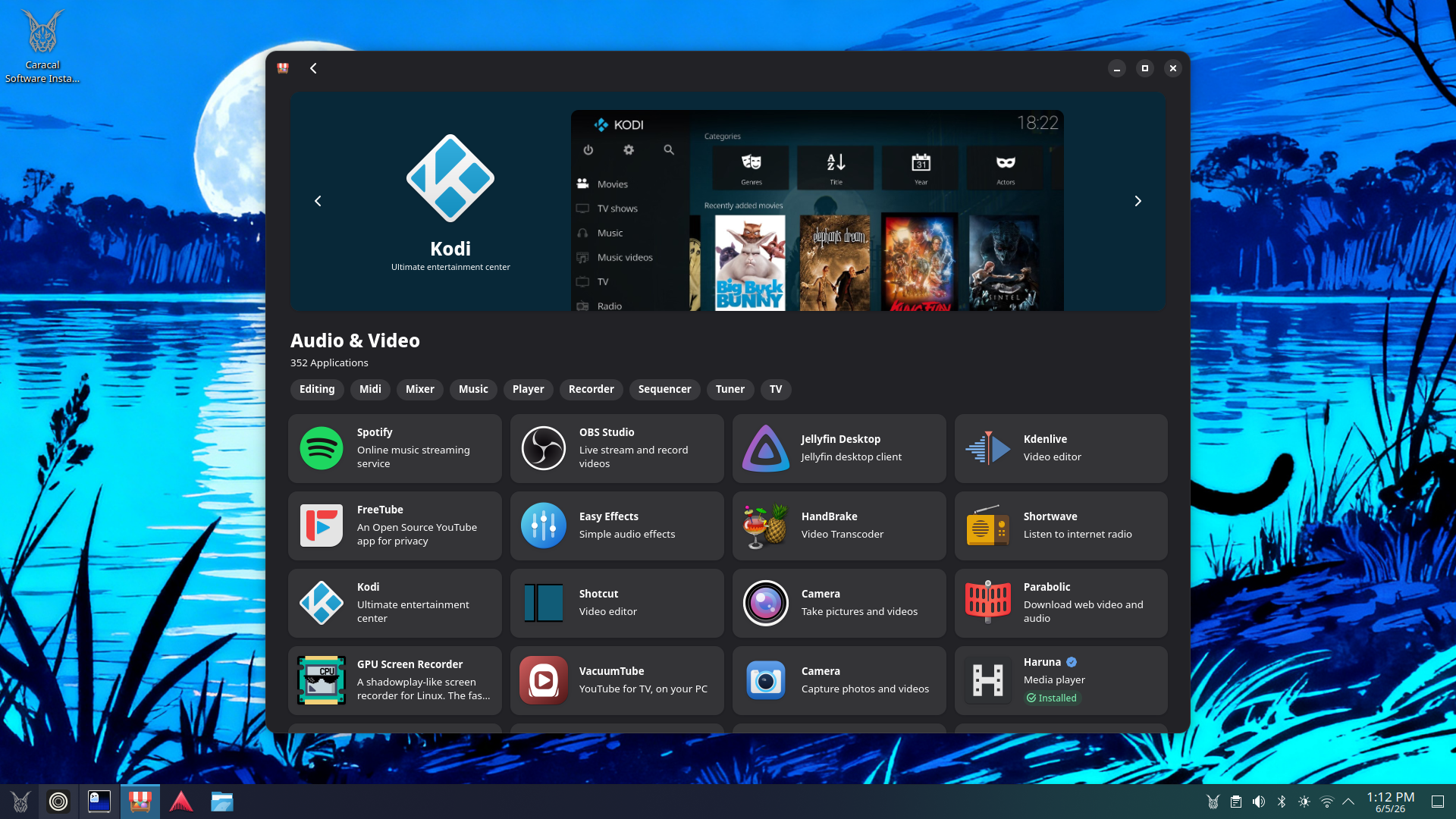
Ardour and Qtractor are included out of the box and ready to open. REAPER, Renoise, and Bitwig — popular with producers coming from Windows — are one click away in the bundled software installer.

Plugins included

A full set of production-quality effects and instruments, ready to use.

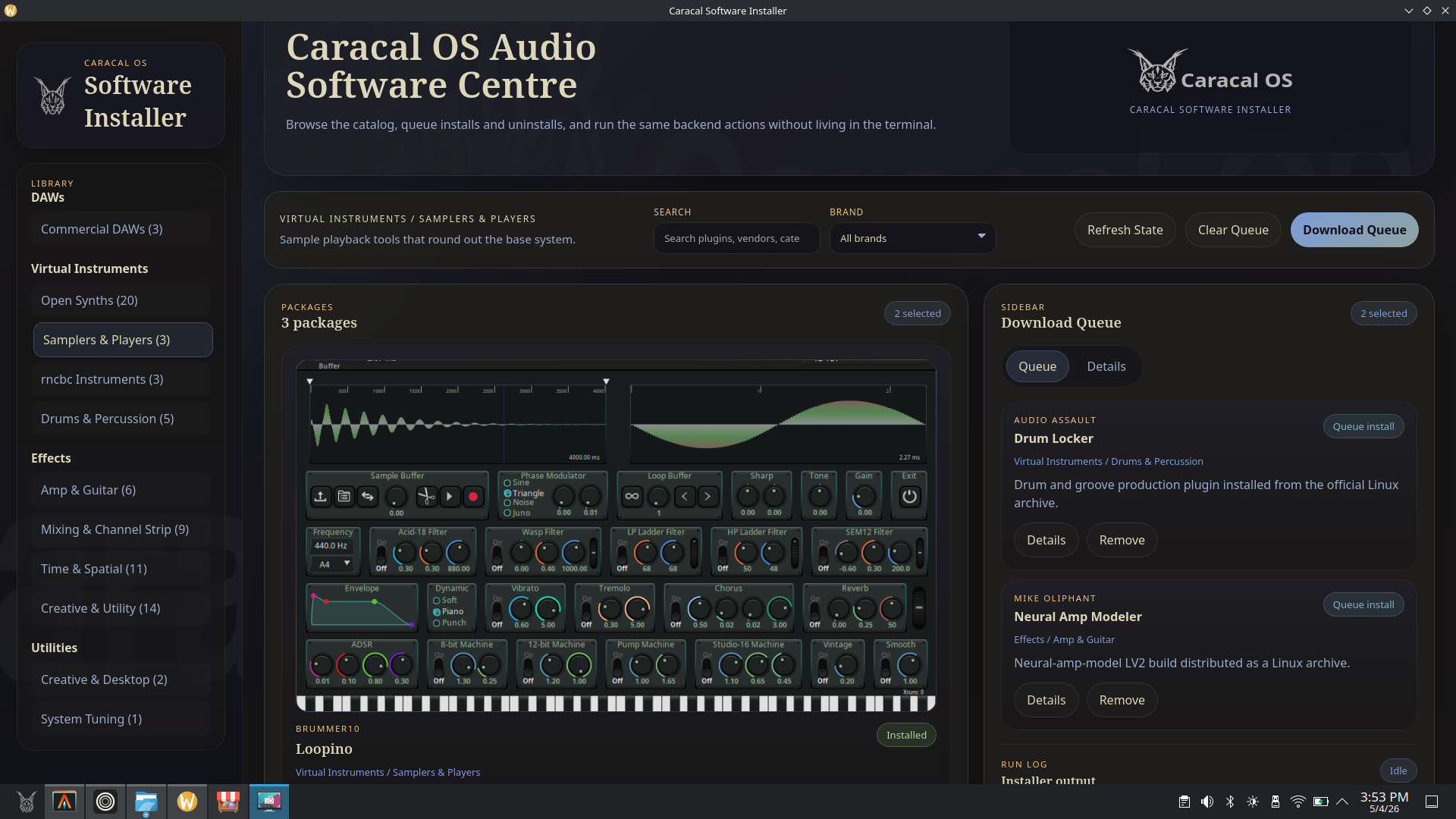
Reverbs, EQs, compressors, a guitar amp modeler, synths, and more come pre-installed and organized. You get a working signal chain from day one without hunting down free plugins across the web.

Your Windows plugins come with you

Run your existing VST library, not just Linux alternatives.

Caracal includes built-in support for running Windows VST plugins on Linux. If you have a plugin library from your Windows setup, you don't have to leave it behind — most plugins load and run without any extra steps.

A system that stays stable

Updates can't break your studio setup.

Unlike a traditional Windows or Linux install, Caracal's system files are locked — apps and updates can't quietly corrupt the foundation your studio runs on. Every system update is applied as a clean snapshot, and if an update causes problems, you can boot back into the previous version in seconds.

Workflow

From a blank session to a finished mix, without leaving Linux.

Whether you're building tracks, recording live instruments, or running a plugin-heavy mix, Caracal covers the whole workflow — including the Windows VST plugins you already own.

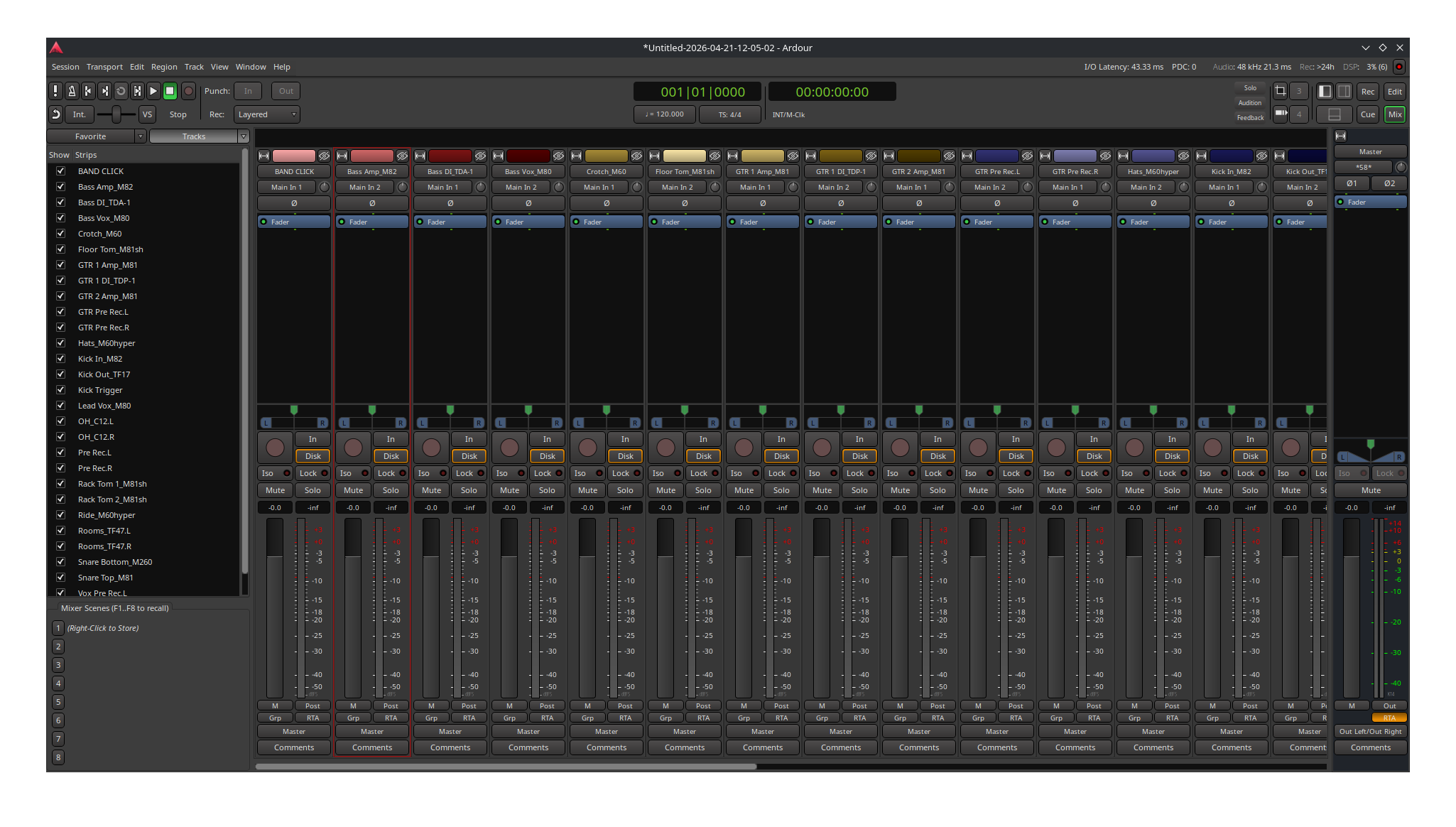
Mix in Ardour without fighting the software

Mix in Ardour without fighting the software

Ardour's mixer handles large sessions cleanly — all your channels, sends, and plugins in one view, without the clutter.

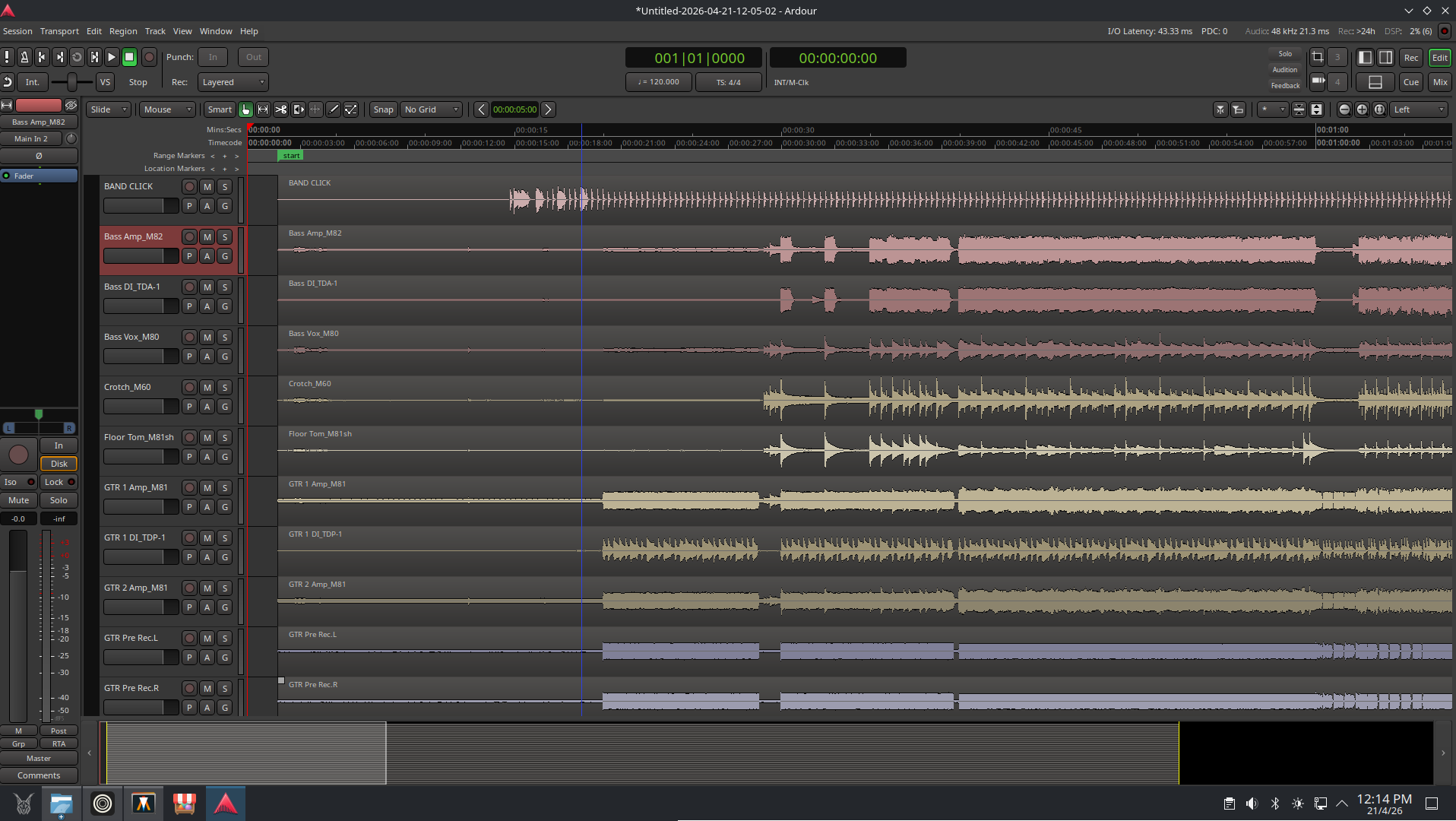
Record, arrange, and produce natively

Record, arrange, and produce natively

Everything you need to write and record is included from day one — no chasing downloads, no driver setup, no compatibility headaches.

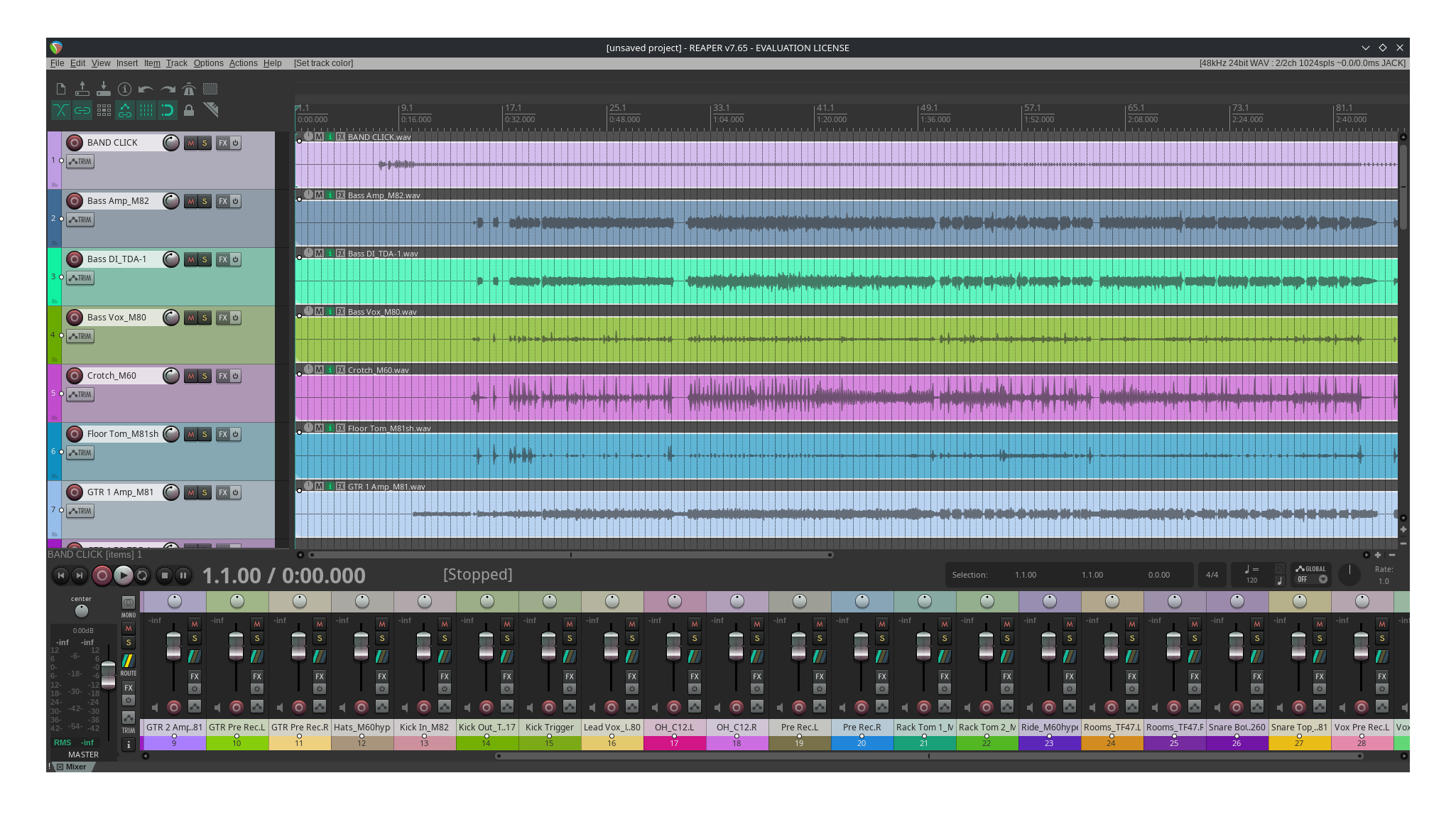
Use the DAW you already know

Use the DAW you already know

If you're coming from REAPER or Bitwig on Windows, they install cleanly and work exactly as you'd expect.

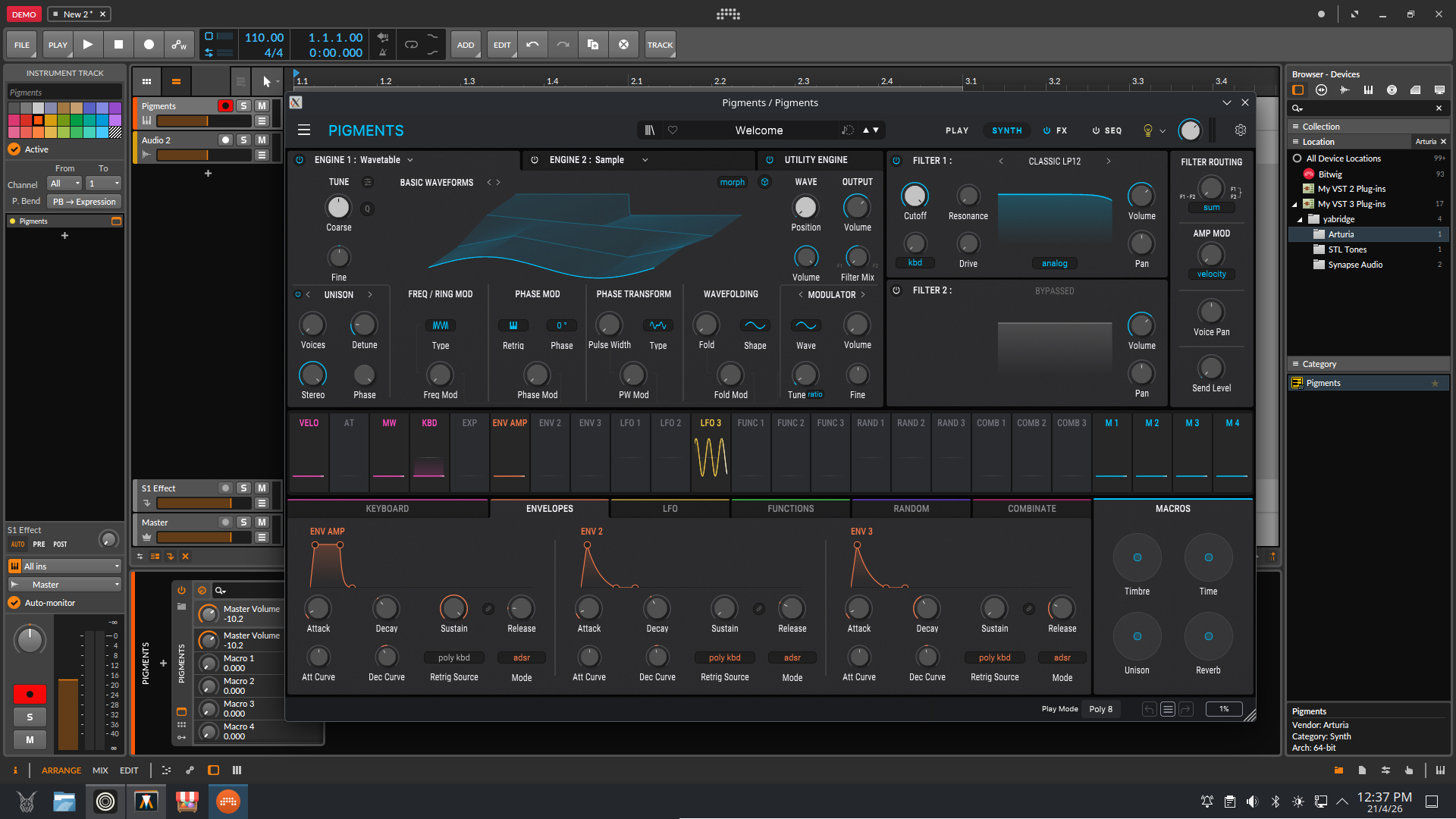
Your Windows plugins, running on Linux

Your Windows plugins, running on Linux

Caracal includes built-in tools to run most Windows VST plugins. Your existing library doesn't have to collect dust.

Check plugin compatibility

What's included

A full production toolkit out of the box, with room to add more.

Caracal comes with a real set of DAWs, instruments, and effects — not just a base system with a browser. Keep the included tools, add the commercial DAWs you already use, or bring in your Windows plugins when a project calls for them.

Included DAWs

  • Ardour 9
  • Qtractor
  • Carla (plugin host)

Included plugins and instruments

  • LSP Plugins
  • Dragonfly Reverb
  • Calf
  • BYOD (guitar amp sim)
  • Dexed
  • Odin2
  • OB-Xf
  • AIDA-X
  • Neural Amp Modeler
  • x42
  • SWH LV2

One-click installs

  • REAPER
  • Renoise
  • Bitwig Studio
  • Cardinal
  • Surge XT
  • Decent Sampler
  • Loopino
  • SunVox
  • Virtual ANS
  • RTCQS

Audio system

  • JACK
  • PipeWire
  • QSynth
  • FluidSynth
  • VMPK
  • QMidiArp
  • Zsh
  • oh-my-posh
  • ripgrep
  • fzf
  • Neovim

Get started — early access

Download the ISO, or switch from an existing Fedora Atomic desktop.

If your system uses AMD or Intel graphics, you can install Caracal directly with the early access ISO below. If you're already on a compatible Fedora Atomic desktop, you can still switch in place with the three-step path that follows.

Choose your image

Pick the installer that matches your graphics hardware.

AMD and Intel systems use the same image. NVIDIA will get its own installer image later, but it is not published yet.

AMD / Intel installer image

Use this early access ISO on systems with AMD or Intel graphics.

Download AMD / Intel ISO Download checksum file

If you're already on Fedora Atomic, you can skip the ISO and switch directly.
Already on Fedora Atomic? Switch in place:

01

Switch to Caracal

If you're already on a compatible Fedora Atomic desktop, one command switches you over to Caracal. Alternatively, install a Fedora Atomic image first, then switch.

sudo bootc switch ghcr.io/caracal-dev/caracal:latest
02

Run the first-time setup

A single command sets up everything your audio interface needs — low-latency permissions, Windows plugin support, and a few quality-of-life tweaks.

ujust first-run
03

Add your software

Open the bundled software installer to browse and install DAWs, instruments, and effects. Or install individual apps with the focused helpers.

ujust software-installer

What You’ll See

Our custom setup wizard.

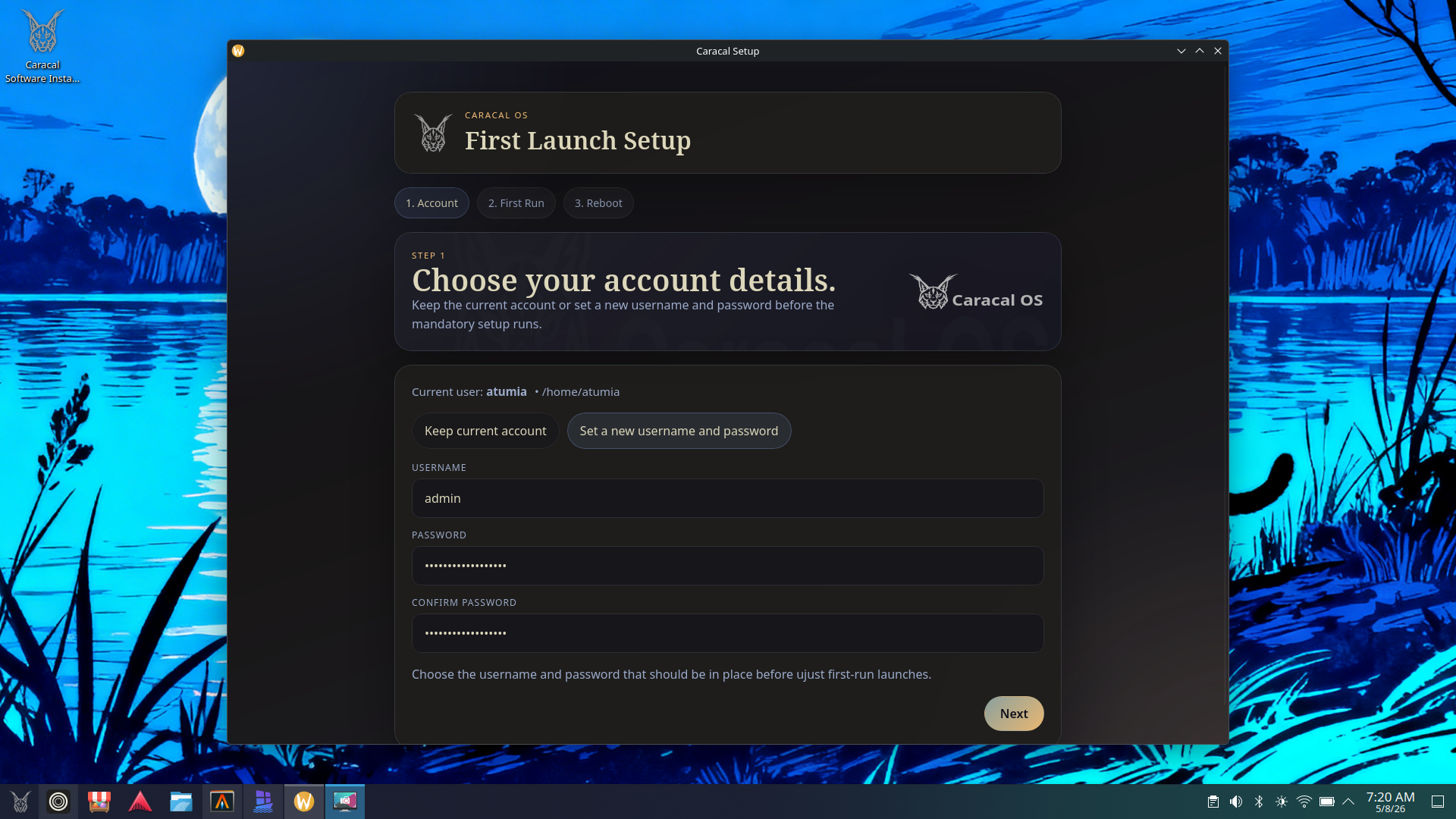
When you log into Caracal for the first time, you will be greeted with our custom setup wizard. First you can update your username and password if you choose or leave them as they are, then you get a straightforward first-run window that automatically configures the handful of things Caracal needs to configure for audio work as well as some quality of life features.

If you are coming from Microsoft Windows, this is the part that replaces the usual round of driver installers, permission dialogs, and utility apps.

Caracal first-run setup wizard window

Verification

Verify the ISO before you install it.

Download the ISO and the checksum file into the same folder, then run this command to confirm the file you downloaded matches the published checksum.

sha256sum -c caracal-latest-amd64.iso-CHECKSUM

If you're switching with `bootc` instead of using the ISO, advanced users can still verify the published container image with Cosign.

cosign verify --key cosign.pub ghcr.io/caracal-dev/caracal:latest